




 Off-Highway
 Industrial
 Agriculture
 Forestry
 Automotive
 Biodegradable
 Power Generation
 Mining
 Marine/Port
 International
 Contact Us
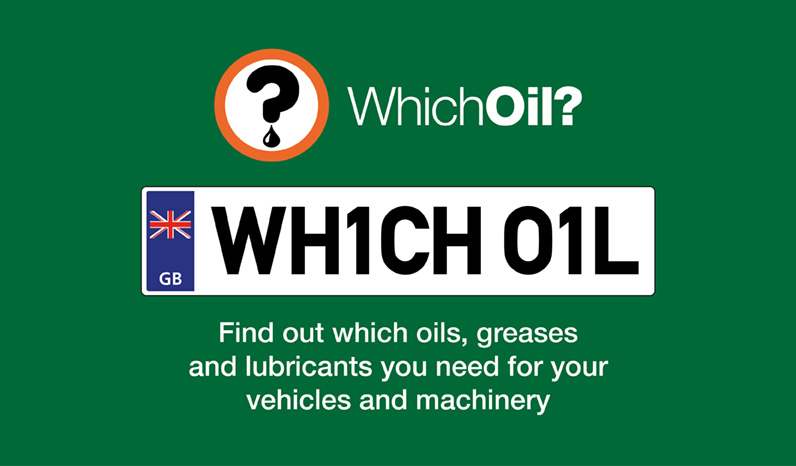
Finding the correct oil, grease and lubricant should be simple, accurate and fast. That is exactly what GB Lubricants’ WhichOil lookup tool delivers. Available at whichoilshouldiuse.com, WhichOil gives mechanics, fleet managers and maintenance professionals instant product recommendations that match the required specification for a wide range of vehicles and equipment.
What is WhichOil?
WhichOil is our comprehensive online lookup tool that helps you identify the right oils, greases and lubricants for cars, vans, trucks, motorbikes, commercial vehicles, agricultural machinery, off highway plant, compressors, pumps and generators. It is built for speed, convenience and accuracy, so you can make confident decisions and keep assets running efficiently.
Why use WhichOil?
WhichOil has been engineered with practical enhancements that save time and reduce errors.
• Fast, reliable results
Enter a Vehicle Registration Number, then get the correct oil, grease and lubricant recommendations in seconds.
• Mobile scanning for quicker searches
Use your smartphone camera to scan a vehicle registration number, then jump straight to the right recommendations.
• Visual confirmation
See manufacturer brands and models in the drop down menus, then review an example image of potential vehicles for added confidence.
• Registration number lookup for classics
Find the correct oil and lubricant requirements for classic cars and motorbikes using your VRN, designed to support heritage vehicles as well as modern fleets.
Each feature supports faster workshop throughput, fewer selection errors and more consistent maintenance outcomes.
Who benefits from WhichOil?
WhichOil is tailored for professionals who need the exact product, first time.
• Mechanics and workshop teams who value speed and precision
• Fleet managers responsible for multi make, multi model fleets
• Maintenance technicians across industrial and commercial sites
• Plant and construction operators managing mixed equipment
• Distributors who want to guide customers with authoritative, brand approved recommendations
If your role depends on accuracy and uptime, WhichOil helps standardise fluid selection and reduce the risk of misapplication.
Broad coverage for vehicles and equipment
WhichOil spans a vast array of applications, including:
• On road: cars, vans, trucks, motorbikes and commercial vehicles
• Off highway: agricultural machinery, plant and construction equipment
• Industrial: compressors, pumps and generators
This breadth means you can use one tool to support workshops, depots, farms and sites, then maintain consistency across every asset.
Peace of mind, anytime
WhichOil is available 24 hours a day, 7 days a week. Access is seamless across desktop, laptop, tablet and smartphone, so you can check recommendations wherever you work. With clear guidance on oils, lubricants and greases, you get practical, confident choices at any hour.
Need expert advice?
If you are unsure which product is right for your vehicle or application, our technical experts are ready to help. You can get free product advice and technical support by:
• Calling: 0191 490 4312
• Emailing: gblsales@gblubricants.co.uk
• Completing our online contact form
We will confirm compatibility, advise on specifications and help with bulk, workshop or distributor requirements.
How to get started
– Visit WhichOil
– Enter your Vehicle Registration Number, or select your make and model
– Review the visual confirmation of brand and model
– View the recommended oils, greases and lubricants for each component
– Add the products to your order or contact our team for technical clarification
Frequently asked questions:
Is WhichOil free to use?
Yes. WhichOil is free and available around the clock.
Can I use WhichOil for classic vehicles?
Yes. WhichOil supports classic cars and motorbikes using the VRN lookup, giving heritage friendly recommendations.
Does WhichOil cover industrial equipment?
Yes. The tool includes compressors, pumps and generators, plus agricultural and off highway plant.
What if I do not have a VRN?
You can search by manufacturer, model and engine, then confirm visually using the tool’s brand and model menus.










 Call us on +44(0) 191 490 4312
 Commercial Vehicle